Give the repetitive work to EyeSpeak. Prepare for visits, draft documentation, and move paperwork forward across your practice’s software—with your team in control.
The work around a visit takes a whole team. EyeSpeak brings assistance to the tasks that keep your front desk, clinicians and back office busy.
01
For your front desk
Give every visit a head start.
Turn incoming referrals and outside records into a starting point for care. EyeSpeak helps prepare patient details and chart summaries, so your team can spend less time re-entering information.
Referral intake
Chart preparation
02
For your clinicians
Stay with the conversation.
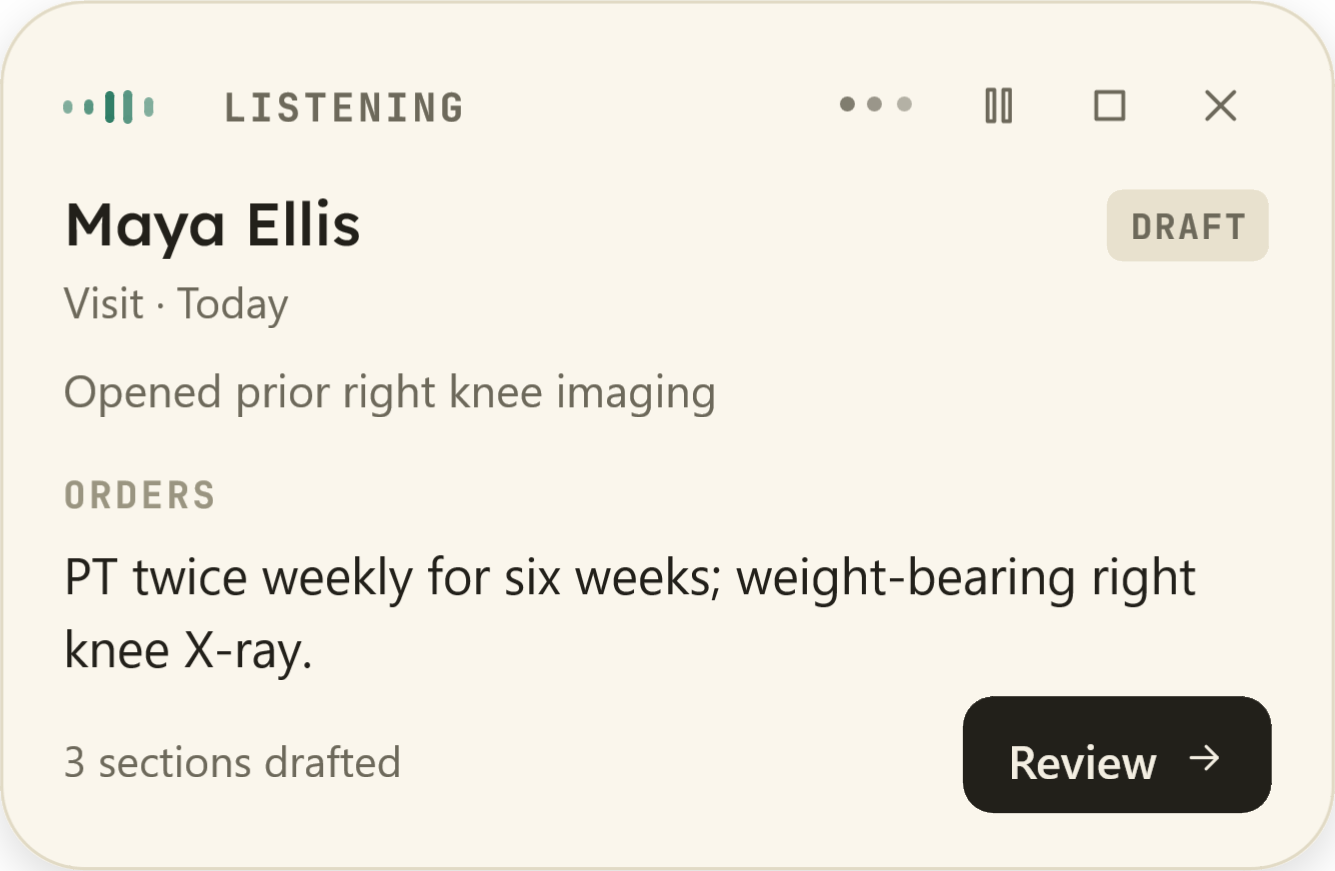
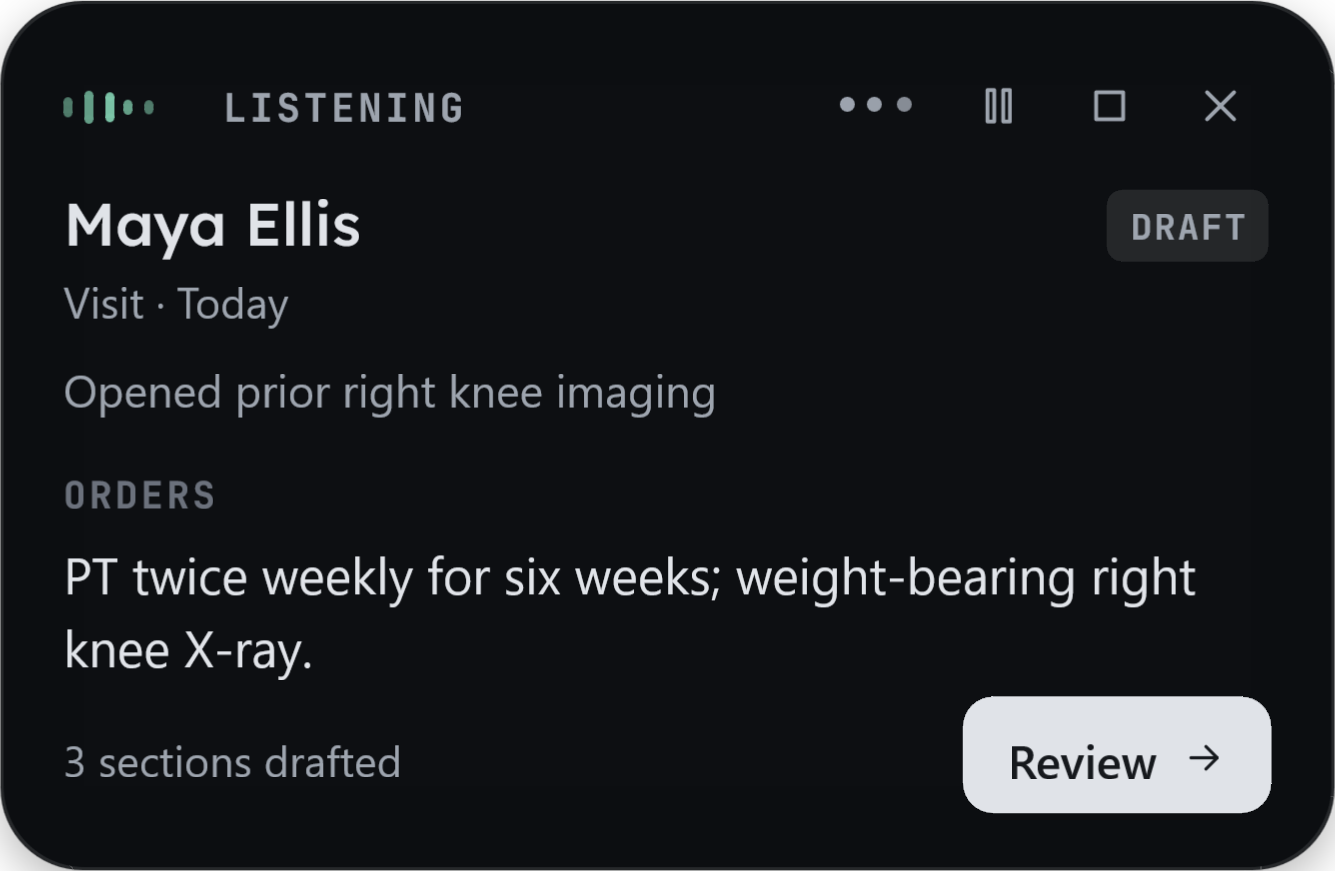
Move through the chart by voice and review documentation as it takes shape. Correct a section, check a suggested order, and keep the encounter moving without losing your place.
Voice navigation
Visit documentation
Review and corrections
03
For your back office
Move the next step forward.
Bring chart evidence into a prior authorization draft and prepare the information your billing team needs. Keep the clinical context with the work as it moves beyond the visit.
Prior authorization preparation
Billing handoff
We’ll confirm workflow availability and software fit with your practice before a pilot.
See the work happen
Follow a visit from referral to follow-through.
Watch EyeSpeak prepare a chart, draft an encounter note and assemble a prior authorization in this recorded demonstration.
Before the visit · Referral to chart
Edited screen recording of EyeSpeak working in OpenEMR and a test payer portal. The patient is fictional; no real chart or payer was involved.
Your clinical judgment stays central
An assistant you can check, correct and direct.
Keep the draft beside your chart. Review it section by section, make corrections by voice or keyboard, and check where the content is going.
Encounter workflow · 02 / 03
Check the draft. Make it yours.
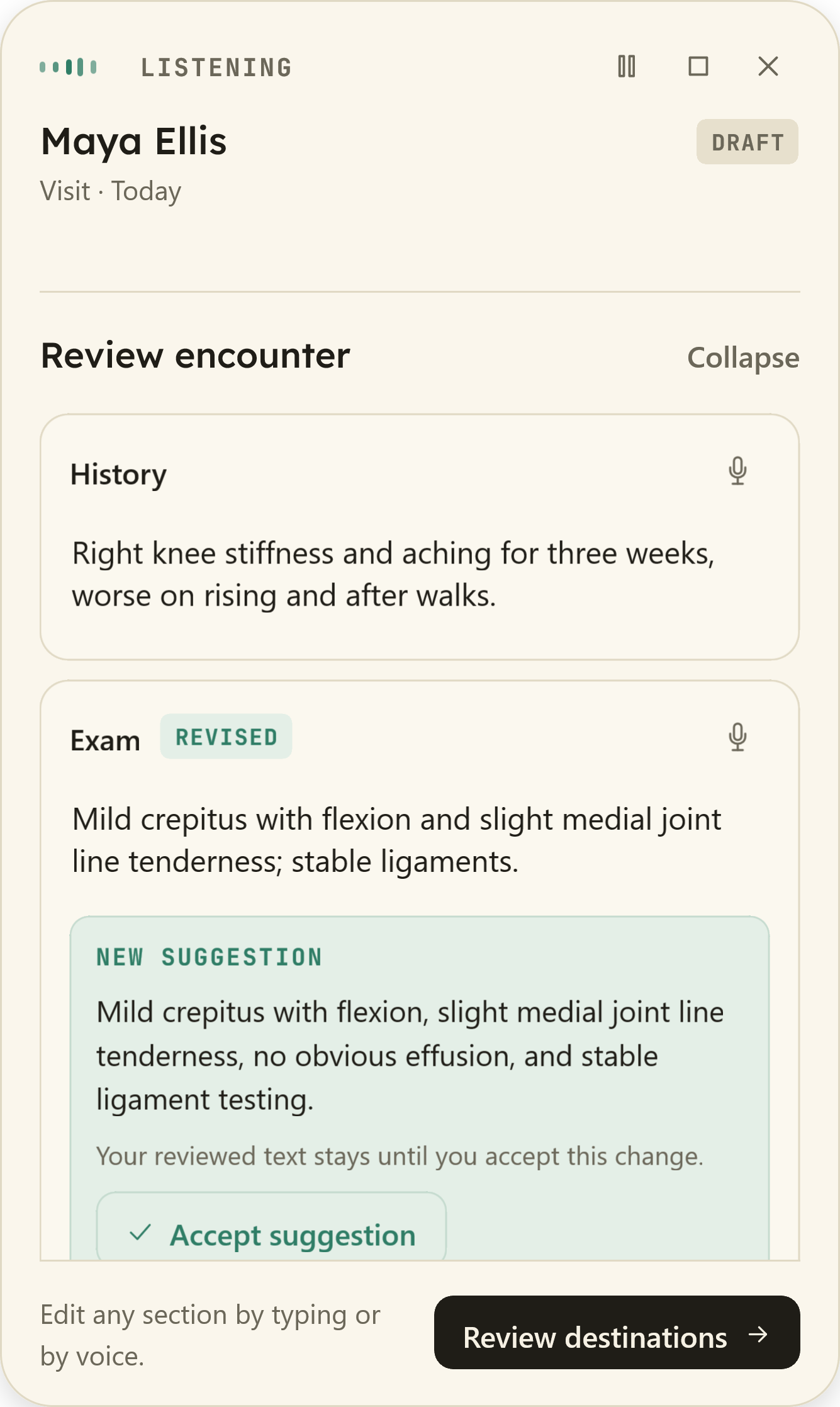
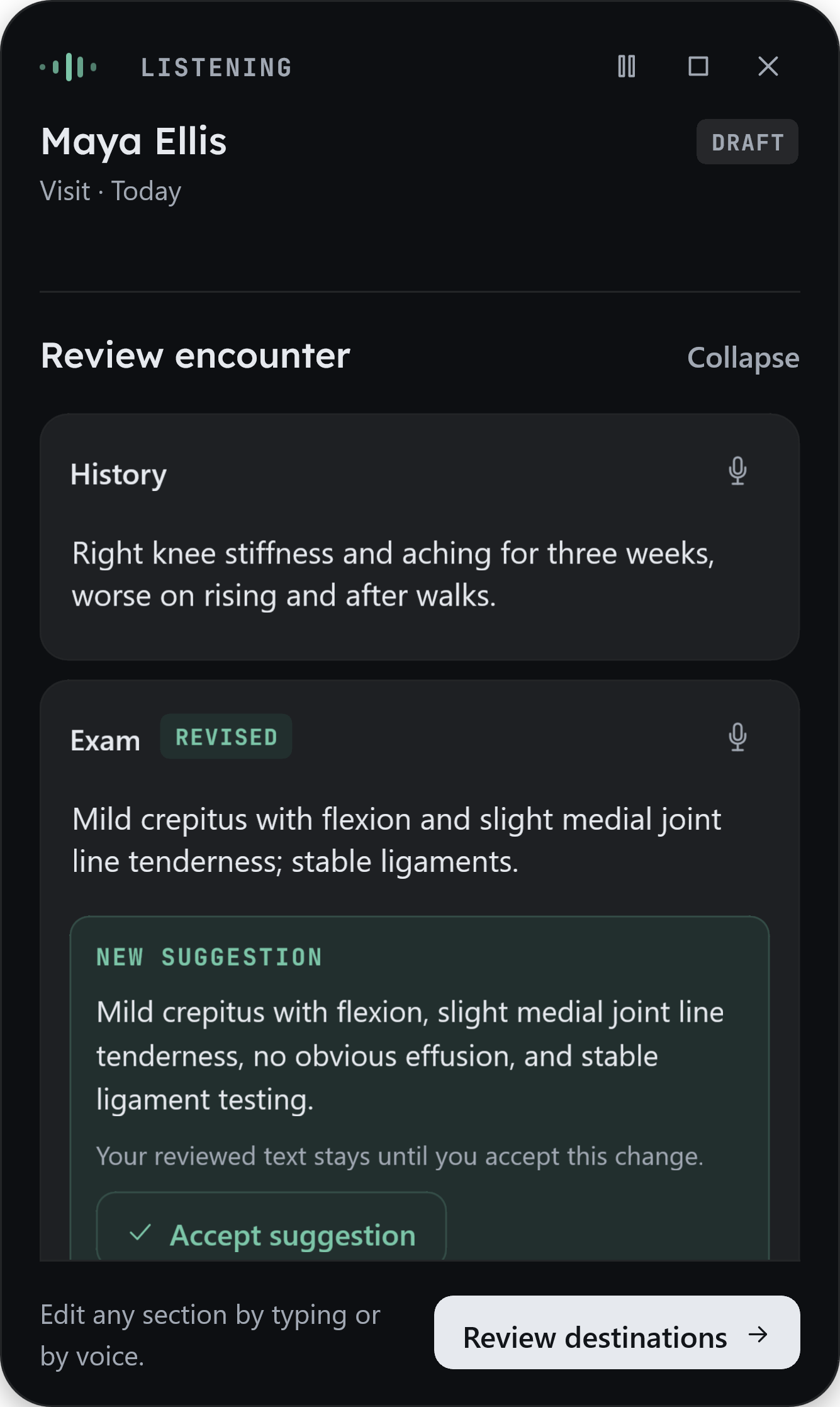
Read the encounter section by section. Correct by voice or edit the text. New suggestions wait for your acceptance, so reviewed content stays under your control.
Shown: History and a revised Exam, with a new suggestion waiting for acceptance.
Tell us about your team, your software and the tasks that take up the most time.
02
Choose a focused pilot
Agree on a workflow, confirm the software fit, and complete the required deployment and patient-data reviews.
03
Evaluate it together
Assess time spent, review effort and how well it works for your team before deciding what comes next.
Choosing the right support
What happens after the note is drafted?
Documentation is one part of a clinical workflow. When comparing EyeSpeak with an AI scribe, consider the work your team needs help with around the encounter, too.
EyeSpeak and AI scribes: clinical workflow features
Workflow
AI scribes
EyeSpeak
Chart preparation
Some tools or integrations
Supported
Referral intake
—Not identified in the compared product scope
Supported
Patient onboarding
Some tools or integrations
Supported
Visit note drafts
Supported
Supported
Medication reconciliation
—Not identified in the compared product scope
Supported
Billing code suggestions
Supported
Supported
Populate billing codes in the EMR
Some tools or integrations
Supported
Prior authorization
Some tools or integrations
Supported
Payer follow-up
—Not identified in the compared product scope
Supported
Automation outside the EMR
—Not identified in the compared product scope
Supported
Supported SupportedSome tools or integrations Some tools or integrations—Not identified in the compared product scope Not identified
Comparison covers Freed, Suki, Abridge, Heidi and Nabla. Symbols describe product scope; a dash means the capability was not identified in the comparison, not a guarantee that no vendor offers it. EyeSpeak availability is confirmed for your software during pilot scoping. Code suggestions and EMR code entry are separate capabilities; Suki supports code updates in integrated EHRs, and Abridge describes prior authorization workflows.
A few practical details
Questions from practices.
Will EyeSpeak work with our EHR?
We review your EHR, practice-management software and the specific actions your team needs before agreeing on a pilot. The recorded demonstration uses OpenEMR and a test payer portal. A demonstration in one system does not mean every EHR or portal is supported.
Is EyeSpeak for medical or dental practices?
Both. We’re developing workflows for physicians, dentists and the teams supporting them. A demo is a chance to discuss your specialty, software and daily work, then identify a suitable starting workflow.
How is EyeSpeak priced?
We discuss pricing with you after understanding your team, software and workflow requirements. Request a demo to talk through the scope and commercial terms for your practice.
Can we start with a single workflow?
Yes. We’ll work with you to define a focused pilot, agree on the work it covers and decide how to evaluate it. You can assess the fit with your team before discussing a broader rollout.
How is clinical information reviewed?
The encounter experience separates draft content, corrections and destination review. Your team reviews clinical content and controls finalization. We establish how drafts, approvals and submissions work in your specific software as part of scoping the deployment.
What needs to happen before using patient data?
Clinical deployment requires appropriate agreements, security and deployment review, and approval of the specific workflows. These requirements must be completed before patient data is used. The demo and product screens here use fictional patient information.
Let’s look at your workflow
What could your team do with less paperwork?
See EyeSpeak in a demo and talk through where it could help your practice.
What happens nextWe’ll email you to learn about your practice and arrange a conversation. Prefer to reach out directly? info@eyespeak.ai
Your work email
Please don’t include patient information. By submitting, you acknowledge our privacy statement.